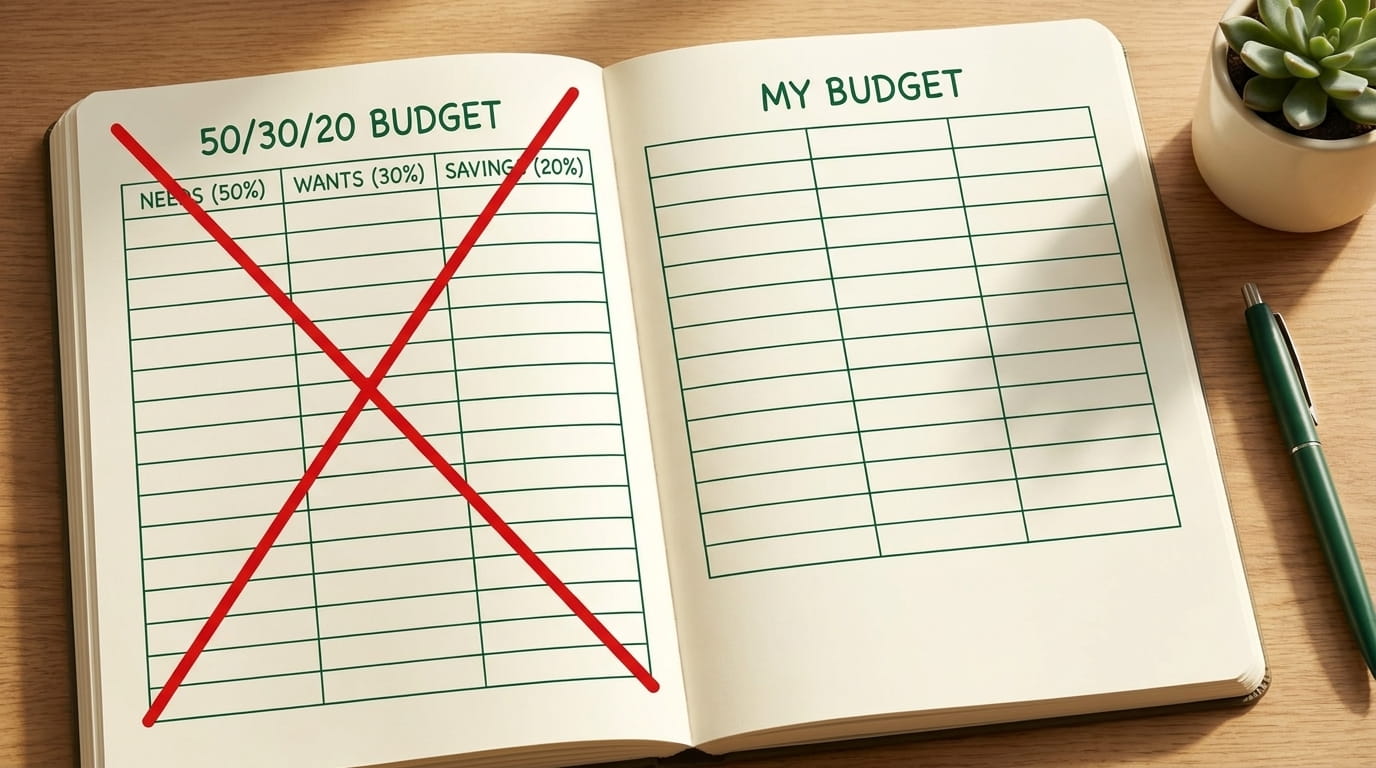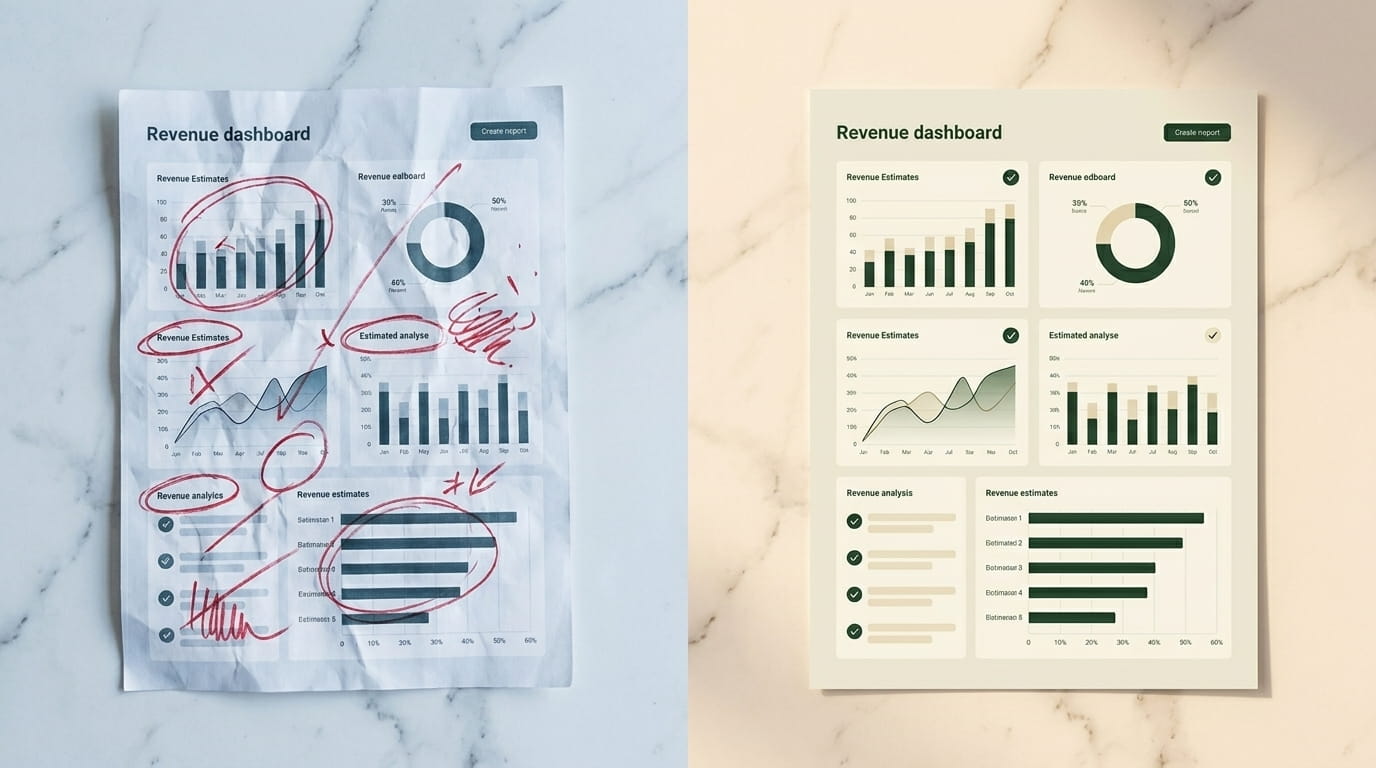
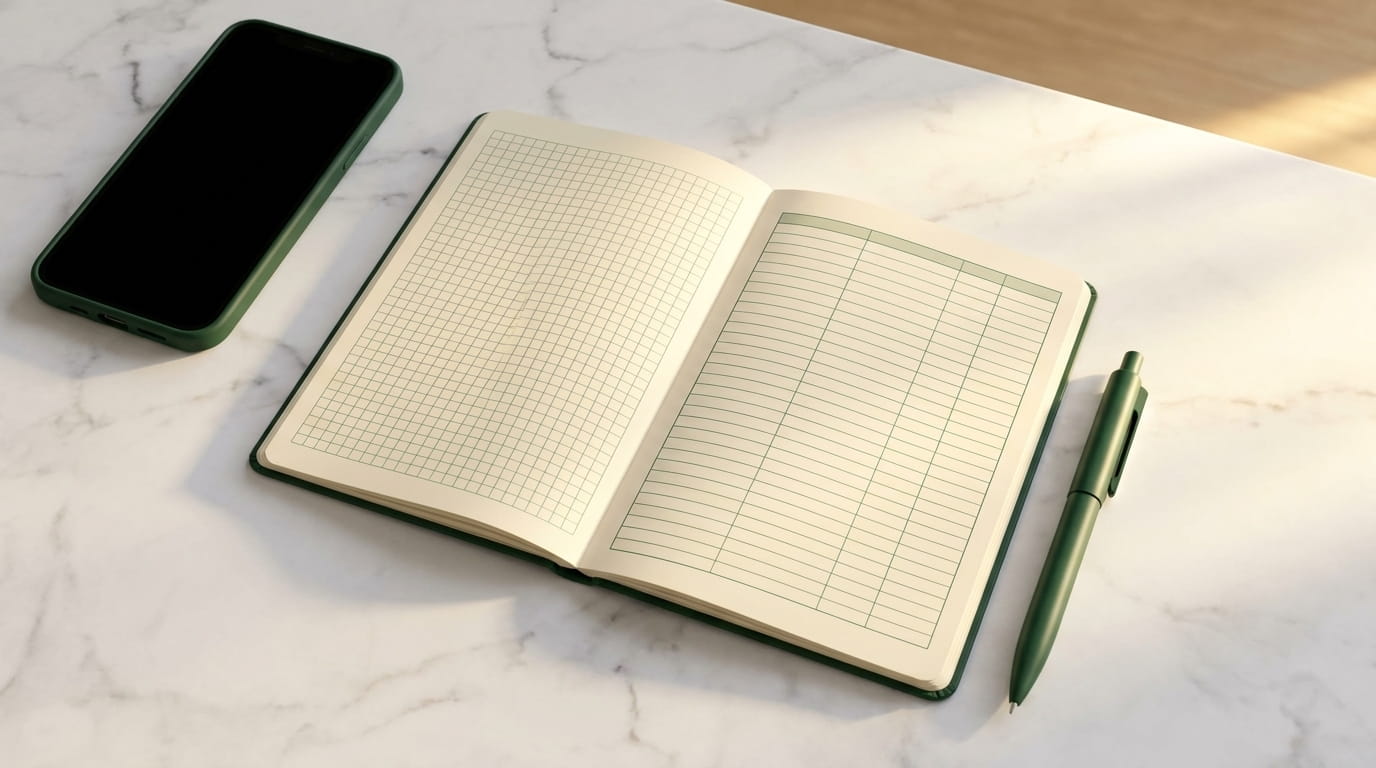
I am going to be specific and not throw shade. The app was YNAB. I used it from May 2023 to January 2024. I liked the philosophy, I respect the team, and I think it is a genuinely good piece of software. I still went back to a Google Sheet, and the move was a quiet upgrade.
This is not an "apps are bad" essay. It is an essay about why a tool that is engineered to maximize attention can be the wrong tool for a domain where the goal is to spend less attention.
What the app got right
Three things, and they are real.
- Onboarding. The first two hours with YNAB are well-designed. The "give every dollar a job" framing is genuinely useful, particularly for people coming from a "spend until the card declines" baseline.
- Mobile-first. If you want to capture a transaction at the moment of purchase — which is a real habit some people benefit from — an app on your phone beats a spreadsheet on your laptop.
- Bank syncing. Pulling transactions automatically saves an hour a week, until it doesn't (see below).
For some users — particularly anyone whose primary failure mode is impulsive in-person purchases — the on-phone capture is decisive. If that is you, ignore the rest of this article.
What it got subtly wrong
Three smaller things, which added up.
The notifications were not helpful. "You have 3 unassigned transactions" or "You went over in Dining". I do not need a push at 4 PM to tell me I went over my dining budget at lunch. I have already eaten the lunch. The app turned a once-a-week financial review into a daily emotional drip.
The bank sync broke often. Three of my five accounts (two credit cards, one credit union savings, plus a small business account) routinely went out of sync. Reconnecting required logging into both the app and the bank, sometimes answering security questions. About once every two weeks I would lose 25 minutes to a sync problem. Across eight months that was roughly four hours of "saved" time that I had paid for.
The interface optimized for daily engagement. Categories highlighted in red when overspent. A "running balance" widget on the dashboard. Streaks. Confetti when you hit a savings goal. This is good design for engagement. It is not good design for a calm, low-attention budget.
The sheet I went back to
Three tabs:
- Actuals. One row per transaction. Date, category, amount, account. I paste a CSV from my bank into this tab once a week, usually on Sunday morning. It takes about ten minutes.
- Budget. One row per category. Target, actual (a SUMIF from the Actuals tab), variance. I look at this once a month.
- Savings. One row per pot — emergency fund, the six sinking funds, retirement contributions. Manually updated when I move money. Maybe five minutes a month.
No notifications. No streaks. No syncing problems. The sheet exists when I open it and is invisible when I do not.
A budget should be the most boring software in your life. If it is competing for attention, it is probably costing you something larger than its monthly fee.
Real tradeoffs
The honest case against my approach:
- I have to manually pull a CSV from each bank once a week. About ten minutes total. Some people will not do this consistently and would be better served by autosync, even with its flakiness.
- The sheet does not capture small cash transactions automatically. I have a "miscellaneous cash" line that absorbs them, sized at $40 a month based on last year's actuals. It works, but it is a small lie.
- There is no mobile version. If I want to check whether I have room in the grocery line while standing in a store, I cannot do it as fluidly as in an app. In practice I have stopped doing this; the weekly review is sufficient.
Who should use which
Use an app if your primary issue is impulse in-person spending and you genuinely need real-time visibility, or if you have never run a budget before and benefit from the structured onboarding. Pay the subscription, treat it as a coach for the first year, decide later.
Use a spreadsheet if your spending shape is already mostly stable, your bank accounts are at institutions whose CSV exports are clean, and you find app notifications stressful rather than helpful. The honest test: can you commit to ten minutes every Sunday? If yes, the sheet wins.
One year back on the spreadsheet, the household budget is in better shape than it was on the app. I do not credit the tool for the improvement — the underlying habits are the same. The tool just stopped being a source of friction.